


 Munzir Hakimi
Table of Contents
Introduction
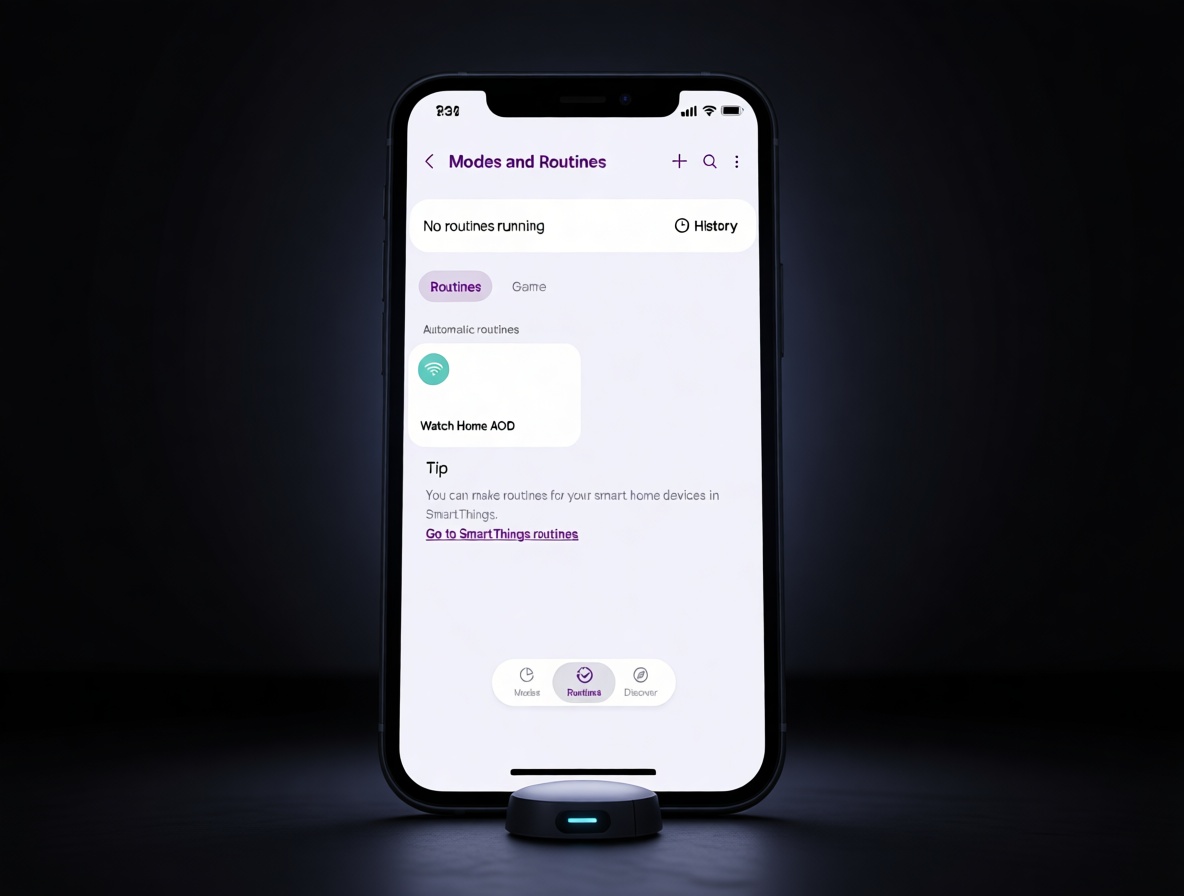
You probably don’t think about your watch when you leave home. Then one day you glance at your wrist and the battery looks lower than it should. You start wondering if something is wrong, and that tiny flash of worry follows you around.
It all starts when Samsung Modes and Routines switches your phone to away mode, but the Galaxy Watch’s always-on display stays active. Before long, you’re charging the watch more often, turning off the display by hand, or building a separate watch-side routine just to feel at ease. The real cost isn’t just the battery—it’s the extra mental weight every time you head out. This is the story of that quiet drain, the clumsy fixes it forces, and the moment you stop relying on the phone to handle the watch.
When You Leave And Your Watch Keeps Going
Picture this: you grab your things, walk out the door, and assume your devices are settling down. Your phone gets the signal from Samsung Modes and Routines and switches into away mode, but your Galaxy Watch’s always-on display — the feature that keeps the time visible without pressing anything — can keep right on glowing. The watch keeps showing the clock like you’re still home, and you only notice later when the battery looks lower than it should.
Here’s why it catches you off guard: the watch doesn’t announce what it’s doing; it just sits there with the screen on, silently using up juice while you’re out. That’s easy to miss until the day gets away from you, so you start checking your wrist more often and doing quick math on how much battery you have left. The small question mark follows you through the day and makes you trust your phone less too.
After this happens a couple of times, you begin to wonder if you did something wrong, because the automatic setup was supposed to handle things. The drain isn’t dramatic, but it’s steady enough to make you doubt your setup. That distrust turns a tiny display setting into a real source of stress, and leaving home starts to feel less carefree than it should.
The Extra Step You Didn’t Ask For
Once you realize the watch is still burning battery while you’re gone, your options aren’t exactly fun. You can charge it more often, or you can turn off the always-on display by hand before you head out. Neither choice feels like a real fix, and now there’s an invisible checklist hanging over every exit; it turns a simple goodbye into a small decision point.
The annoying part isn’t the action itself; it’s the timing, because the extra few seconds land at exactly the wrong moment. You’re already thinking about a million other things, and now your watch needs a decision too. If you forget, you’ll spend the day with that low-level worry that the battery is slipping away again, and that nagging feeling is worse than the extra tap.
What started as a simple device problem quietly becomes a small daily ritual. You start checking your watch battery before you leave, or you make a habit of toggling AOD off at the front door. It’s not a huge burden by itself, but when it stacks on top of everything else you already remember, it makes you feel a little more stretched and a little less confident in the watch.
Taking Watch Control Into Your Own Hands
At some point, you stop waiting for the phone to save you, because it’s clear the answer has to come from somewhere else. Instead of expecting the phone-based routine to handle the watch, you start building a routine on the watch itself. It’s a small shift, but it feels like taking the wheel back, and that feeling matters more than you’d think.
Maybe you set a watch-side routine that switches the screen off when you leave, or you just get into the habit of tapping the toggle yourself. Either way, the action lives where you can see it, so you’re not left guessing about what the watch is doing while you’re out. You’re no longer relying on a silent connection between two devices that may or may not be listening to each other.
The payoff is certainty. You know exactly what the watch is doing because you told it yourself. You don’t have to wonder if the phone routine will do its part or if the display is still glowing somewhere out of sight. That feeling of control makes the watch easier to trust, and it turns a tricky situation into something you can live with, even on busy mornings.
Conclusion

The real shift happens when you stop expecting the phone routine to manage the watch for you. You build a watch-side routine instead, or you simply use the manual toggle when you leave. That small act changes the way the watch feels, and it changes the way you feel about using it.
You’re no longer waiting for two devices to silently agree. You’re the one making the call, and that gives you a quiet kind of relief. The watch may still need your attention sometimes, but now it’s attention you choose to give, not a surprise you discover later. That’s the real takeaway: your control is the missing piece. Once you claim it, leaving home feels lighter.
What do you think? Does knowing Earth’s “delivery story” change how you feel when you look at the stars?