


 Munzir Hakimi
Table of Contents
Introduction
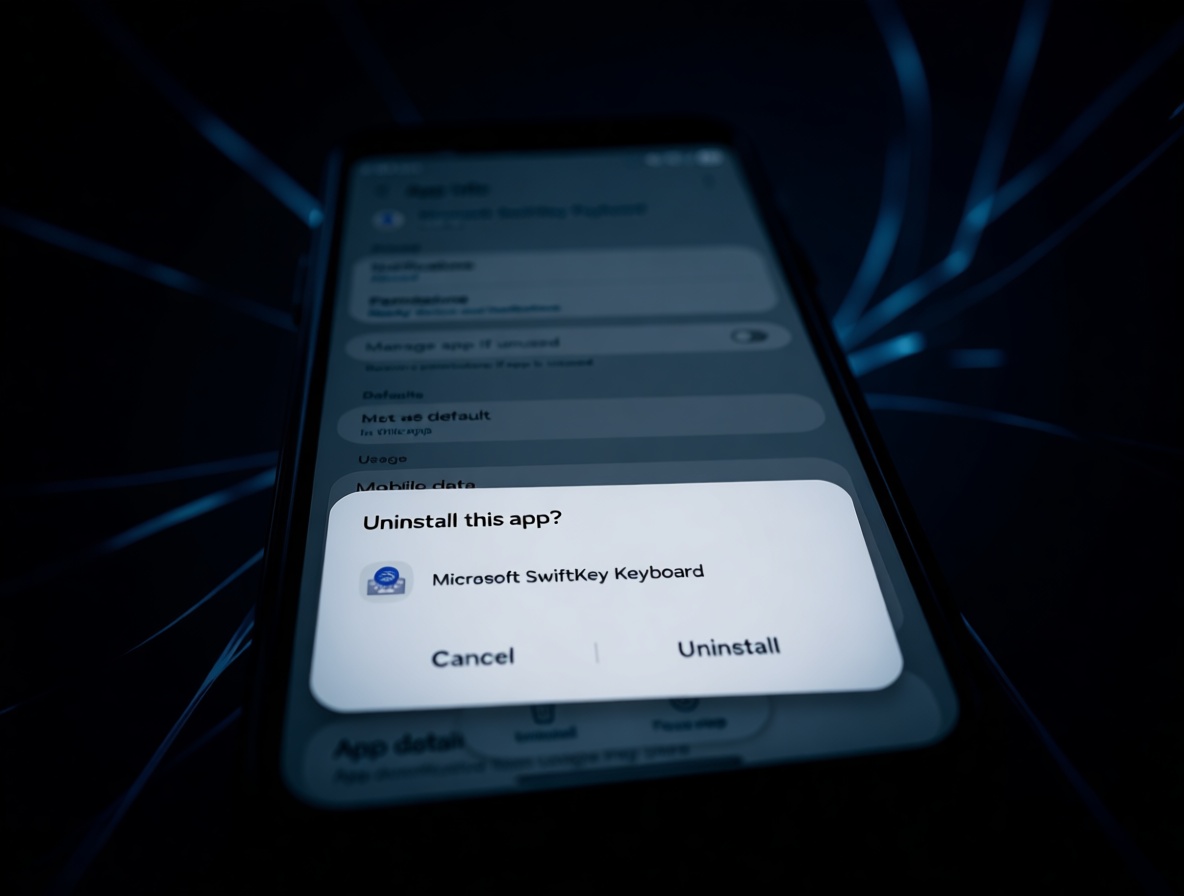
Every Galaxy owner knows the small frustration of scrolling through the app list and seeing something you never asked for. SwiftKey has been there all along, taking up space and staying just present enough to bug you. That quiet frustration is finally ending.
One UI 9.0 brings the change you have been waiting for: the option to uninstall SwiftKey completely. No more permanent spot in storage. No more extra clutter in settings. No more pretending you might use it someday. It’s a shift that touches how you feel about your phone every single day. The relief is real, and it starts with a simple tap you’ve wanted to make for a long time.
One Tap And It’s Gone
One UI 9.0 is bringing a moment you may have stopped waiting for. The moment you tap uninstall on SwiftKey and watch it vanish from your app list, just like any other unwanted app. No extra steps. No workaround. It feels like the phone finally belongs to you, and that feeling is hard to describe unless you have been staring at that icon for years.
The action itself is quick. You press, you confirm, and the keyboard is gone from the app list. But the meaning goes beyond the action. You are no longer stuck with unwanted software. The icon you used to scroll past is simply not there anymore. It’s the kind of quiet win that makes you smile the next time you look at your apps.
For anyone who uses Samsung Keyboard or another keyboard app, SwiftKey was just extra baggage. The uninstall option turns something you tolerated into something you simply don’t have to think about anymore. It’s not about the keyboard itself. It’s about what the button represents: you get to choose what stays on your device. The next time you tap out a message, there is no doubt in your mind about which keyboard you are using, because the other one is just gone. That clarity is a real comfort.
The Hidden Toll Of An Unwanted App
Here’s what made SwiftKey so annoying to begin with: it was always there, even when you never touched it. Maybe you were perfectly happy with your normal keyboard. Maybe you tried SwiftKey once, decided it wasn’t for you, and switched back. It didn’t matter. The app still had a permanent spot in your storage and a permanent place in your settings, as if it had earned the right to stay.
That meant every time you opened settings to look for something, you had to pass by a keyboard you didn’t ask for. Every time you checked your storage to see what was eating space, there it was, taking up room for no reason. It was a small thing, but it added pressure to your daily routine. You couldn’t remove it, so you had to find ways to live with it.
The irony is that you couldn’t even clear it out by ignoring it. You either had to turn it off, which felt like a compromise, or just let it sit there and take up mental space. A keyboard you never used still made you move around it every day. You start to wonder why a phone you paid for comes with software you have to live around. That feeling doesn’t go away just because you stop looking.
The Shift From Ignoring To Removing
Removing SwiftKey isn’t just a one-time win. It changes how you think about every preloaded app on your phone. Once you see that an app can actually disappear, you start wondering why the others can’t. That curiosity alone shifts your behavior in a meaningful way, and it happens without you even planning it. You suddenly feel like you have options instead of obligations. And once you feel that shift, you won’t want to go back.
Before, you may have gotten used to ignoring or disabling apps you never wanted. It became a habit, a quiet way of living with a phone that came with extras. After removing SwiftKey, that habit starts to crack. You become more aware of what’s on your device and less willing to accept apps that don’t serve you. The bar for what you tolerate gets higher, and that bar applies to everything on your phone.
The real takeaway is that you don’t have to live around preinstalled software anymore. You can clear out what you don’t use, one app at a time. Each removal makes the next one feel easier, and the phone starts to feel like it works for you, not against you. It’s a small mental shift with a surprisingly lasting effect. The more you remove, the more natural it feels to keep things clean.
Conclusion

The power to remove SwiftKey is a power that stays with you. It reminds you that preinstalled apps are part of the phone, not the boss of the phone. Once you take that step, you may find yourself looking at your entire device differently. The old habit of ignoring what you can’t delete slowly turns into a new habit of deciding what stays.
You can start small. Remove one thing you never use. See how it feels to open an app list with one less piece of clutter. The feeling of control is real, and it grows with every choice you make about what stays on your phone. That’s the real change: not just one clean app list, but the confidence to keep it that way.
What do you think? Does knowing Earth’s “delivery story” change how you feel when you look at the stars?