


 Munzir Hakimi
Table of Contents
Introduction
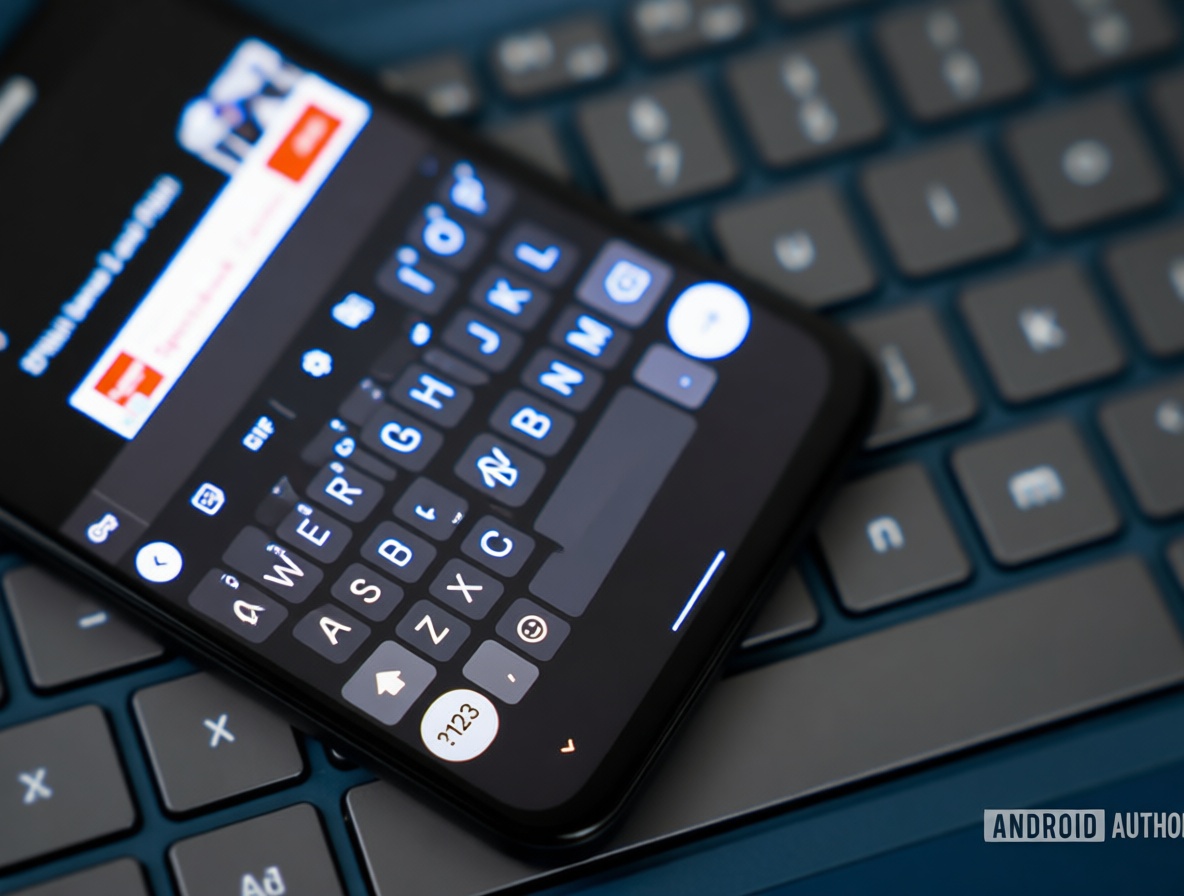
You’ve been there—tapping a suggested word on Gboard, only to find an unwanted space suddenly appeared. It’s a tiny hiccup, but it breaks your rhythm every single time. Now imagine if a simple toggle could stop that space from ever showing up, saving you from that extra backspace tap. That possibility might be closer than you think. It’s a small change that could make fast typing feel smooth again, cutting out a constant source of mini-frustration. In the sections ahead, we’ll look at how this auto-space behavior works, why those lost seconds matter, and how soon you might be able to turn it off for good. The result? More flow, less fixing, and a typing experience that finally listens to you.
This isn’t just a geeky tweak—it’s about reclaiming the natural pace of your thumbs. When you’re racing to reply or jotting down a thought, every interruption chips away at your focus. That’s why the idea of controlling that automatic space feels like a breath of fresh air.
That Automatic Space You Always Delete
You tap a suggestion, and before you can even blink, Gboard slides a space right after it. It seems helpful—until it’s not. The moment you need to type a period, a comma, or just move on, that extra space forces you to hit backspace. That one extra tap feels tiny, but it adds up fast when you’re typing quickly. You’re left wondering why the keyboard assumed you wanted a space at all. The emotional hook here is pure annoyance—the kind that nags at your patience without you even realizing it.
Now picture a future toggle that simply stops that space from appearing. One setting, and the suggestion appears—no space, no backspace. It’s a direct fix for a quiet frustration you deal with dozens of times a day. That saved tap means you keep your flow intact, whether you’re in the middle of a sentence or finishing a thought. The practical outcome? Your thumbs stay on track, and your brain doesn’t have to keep switching between typing and deleting. It’s a tiny win that makes the whole keyboard feel more like an extension of your fingers, not a bossy assistant.
Why Those Lost Seconds Matter
Think about how often you delete that auto-space during a fast conversation. Each time, you lose a split second—but those split seconds stack. Over the course of a day, you might spend whole seconds just tapping backspace on unwanted spaces. Those seconds are more than time; they’re momentum. Every deletion yanks you out of the zone, making you pause and correct instead of flowing naturally. That constant tiny interruption can quietly turn a smooth typing session into a choppy, frustrating one. The feeling of being interrupted is what wears you down, not the action itself.
If that auto-space disappeared, you’d stop spending those moments on cleanup. Your thumbs would glide from suggestion to punctuation without a hitch. That improved flow turns typing into a more natural, less annoying experience. You’d notice it most when you’re in a hurry—texting a fast reply, jotting down an idea, or finishing a work message. The relief of not having to delete after every suggestion is real. It’s a small change that reduces a hidden source of friction, making your phone feel less like a tool and more like an ally in getting your words out.
The Control You’ve Been Waiting For
An APK teardown suggests that Google is working on exactly this: a toggle to disable auto-space after suggestions. That means soon you might have a clear choice—let the keyboard add spaces automatically, or stop it cold. This puts manual control back in your hands, where it belongs. No more guessing what the keyboard will do; you decide whether that space appears. The emotional hook here is hope: the chance to shape your typing experience to your own habits. That hope comes with a tangible consequence—you no longer feel like a passenger in your own typing.
Imagine flipping a switch and never seeing an unwanted space again. Or, if you prefer the old way, you keep it on. Either way, you’re the one calling the shots. For people who type fast and hate interruptions, this could feel like a revelation. The practical outcome is simple: fewer corrections, more confidence, and a keyboard that adapts to you. It’s a small but meaningful step toward a typing experience that respects your rhythm and doesn’t force its own on you.
Conclusion

Soon, that auto-space you’ve been battling might finally become optional. The APK teardown points to a future where you can choose to disable it, giving you back the control you never realized you wanted. That choice makes all the difference—no more wondering whether a space will trip you up, just smooth, uninterrupted typing. It’s a quiet victory over a small annoyance that affects how you feel every time you pick up your phone.
Keep an eye out for the update. When it arrives, you’ll have a simple toggle to flip, and your thumbs will thank you for it. The ability to turn off auto-space after suggestions isn’t just a feature; it’s a way to make your keyboard feel truly yours. And in a world full of notifications and interruptions, that tiny bit of manual control is a welcome relief.
What do you think? Does knowing Earth’s “delivery story” change how you feel when you look at the stars?